How to read this reviewThis is original, research-based buying analysis, not a hands-on test. Specifications come from the sources below. We have not measured performance, comfort or battery life.
At a glance
- Version reviewed
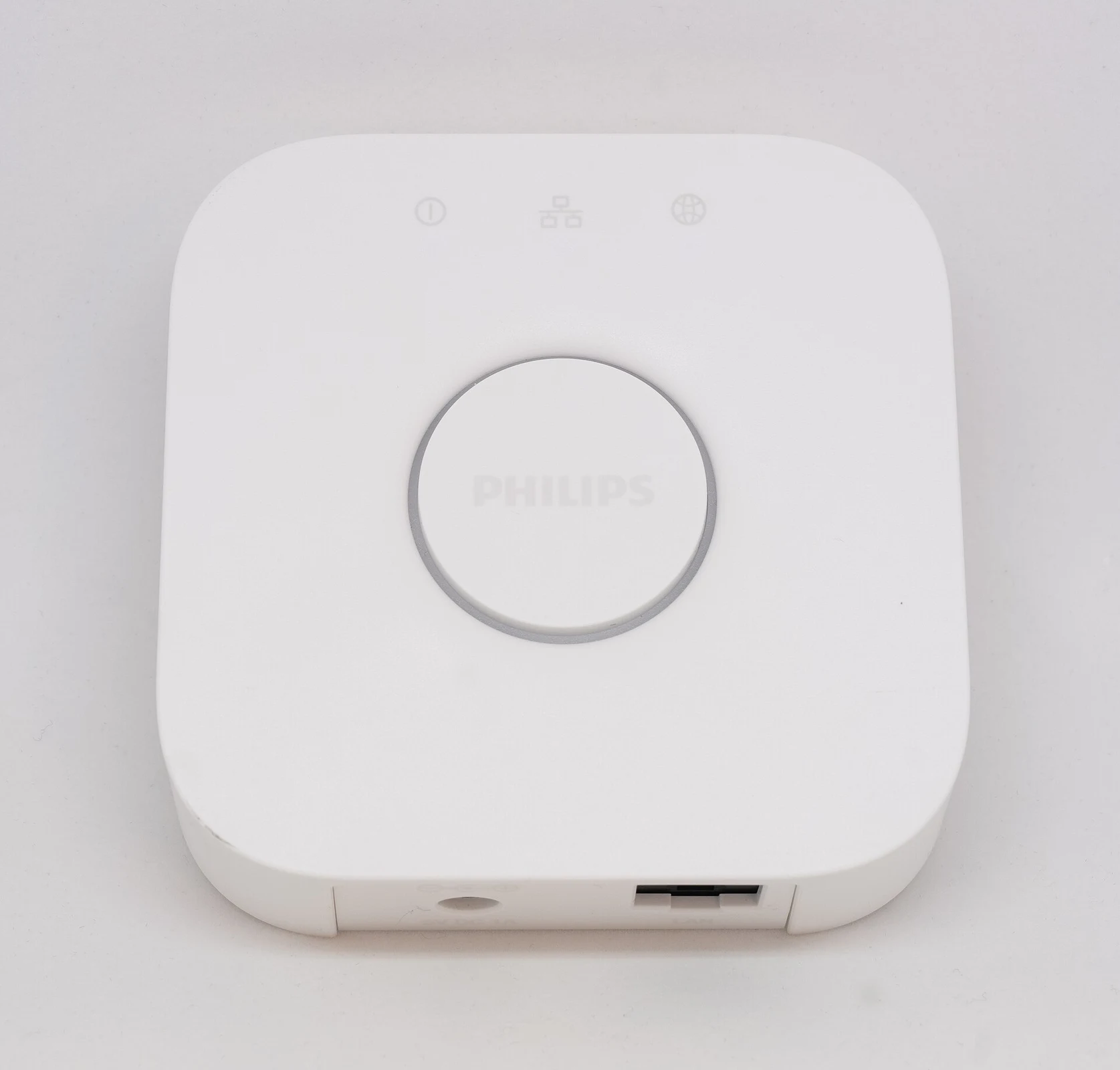
- Square Hue Bridge V2
- Router connection
- Ethernet
- Lighting network
- Zigbee
- Published capacity
- Up to 50 lights
Pros
- A central connection for compatible Hue lights and accessories
- Support for coordinated scenes and automations
- Connections to major smart-home platforms
Cons
- Needs power and a wired router connection
- Adds cost to a small lighting setup
- Capacity and features differ from Bridge Pro
Think in routines, not individual bulbs
A lighting hub is difficult to appreciate by looking at its enclosure. The more useful question is what you want the lights to do together. A bedside lamp, a hallway sensor and an evening scene create a different problem from one bulb that you occasionally dim with a phone. The Bridge is intended to coordinate that larger setup.
A dedicated hub introduces another powered device, which is a real cost in space and complexity. Before buying it, sketch the rooms and routines that matter. If the plan is still one lamp, you may be paying for capabilities you will not use. If the plan includes multiple rooms and accessories, central coordination becomes easier to justify.
Plan the network connection
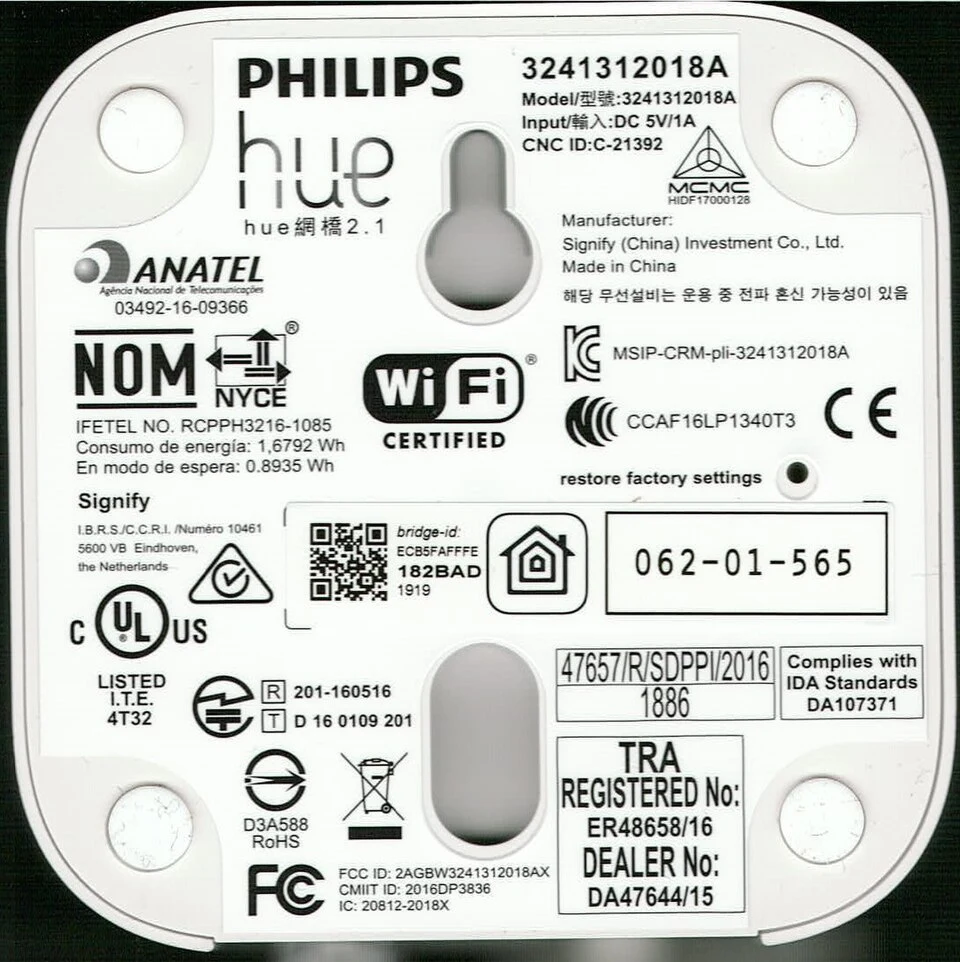
The square Bridge V2 connects to a router over Ethernet and communicates with compatible lighting over Zigbee. That means it needs a suitable place near a wired network connection and an electrical socket. Check where your router actually lives; a crowded cupboard may be a less convenient location than the marketing photography suggests.
Do not assume that every smart-home hub works with every accessory. Product compatibility, software versions and the features exposed to another platform all need checking. The official Hue documentation is the right starting point for the particular lights, switches and integrations you want to combine.
Buy the right bridge generation
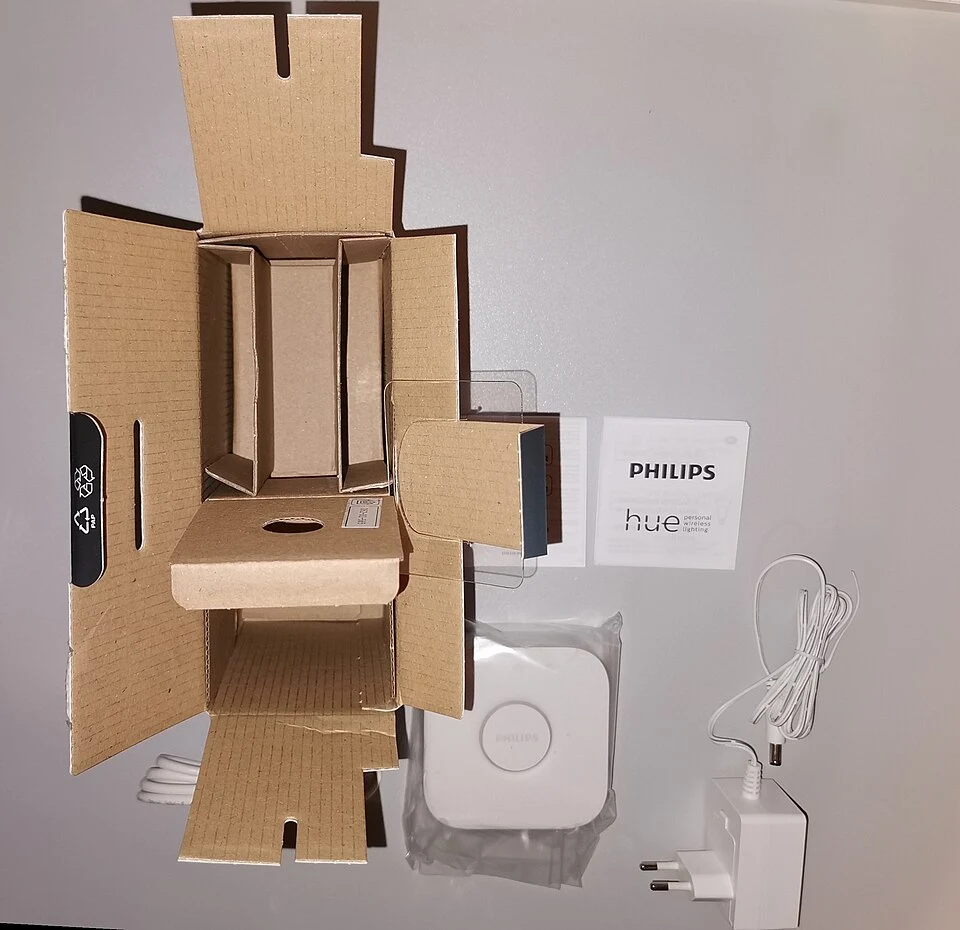
This article concerns the square Hue Bridge V2, not the original round bridge or the newer Bridge Pro. Philips lists a capacity of up to 50 lights for the V2. Larger installations should compare the current bridge options directly, because capacity and additional functions differ.
A starter kit may include a bridge, so check the box contents before ordering another separately. Also consider whether a physical switch or sensor would solve the everyday problem more effectively than adding another app-based routine. The best lighting setup should remain understandable to everyone who uses the room.
Who should buy it?
Consider the Bridge when you have a clear plan for compatible lights across several spaces, recurring routines or accessories that need it. Its strongest case is coordination. We have not measured response time, wireless range or reliability in a test home, so those behaviours should be evaluated in your own layout.
Hold off if you are still exploring a single Bluetooth-capable bulb, or if a larger installation points you toward another bridge version. Confirm current app requirements, account requirements and platform support before purchase. A hub earns its place when it reduces everyday effort across the whole system.
The helloyouna verdict
Philips Hue Bridge V2
A useful step for a growing Hue lighting system. For a single lamp, first work out whether the routines and accessories you want actually require the bridge.
Sources & photography
Product information checked November 15, 2026. Manufacturer claims are not independent measurements. Model, region, firmware and condition can affect features.
Photographs show the products or comparisons identified in their captions. They are resized and converted to WebP without cropping. Full image credits and licences.